Introducing Instagram Clone
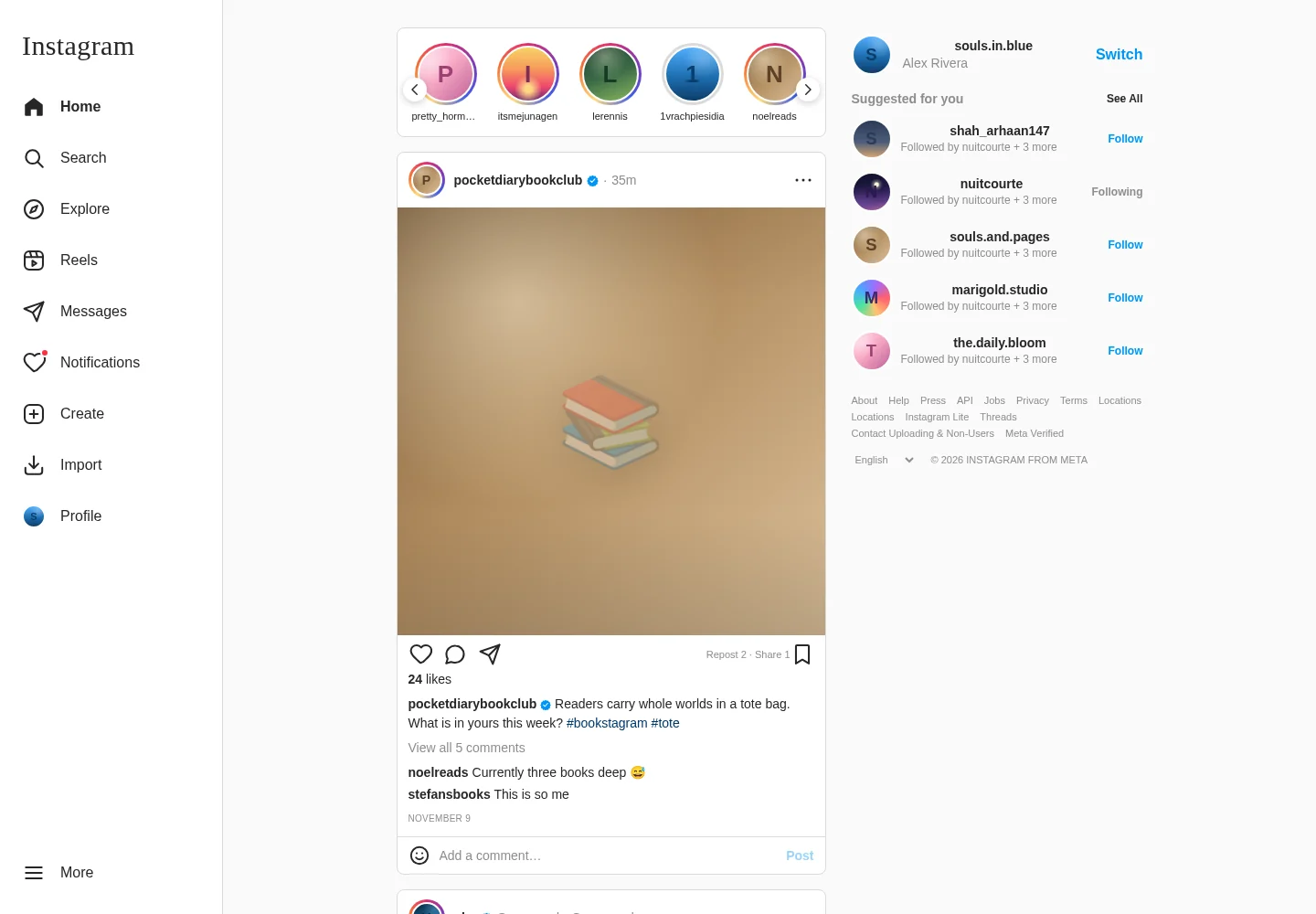
Instagram Clone is a full-stack Instagram-style application with a React frontend, FastAPI backend and native Windows viewer. It reproduces the Instagram look, imports real Instagram export archives, builds a local media library, and can run as a web app, portable Windows server or single-exe desktop viewer.
Instagram Clone is a full-stack Instagram-style application. The web version pairs a React/Vite frontend with a small FastAPI backend; the repository also contains a native Windows viewer written in Rust. Together they can show ordinary pictures and videos, or posts imported from Instagram export archives, in an interface modeled closely on Instagram.
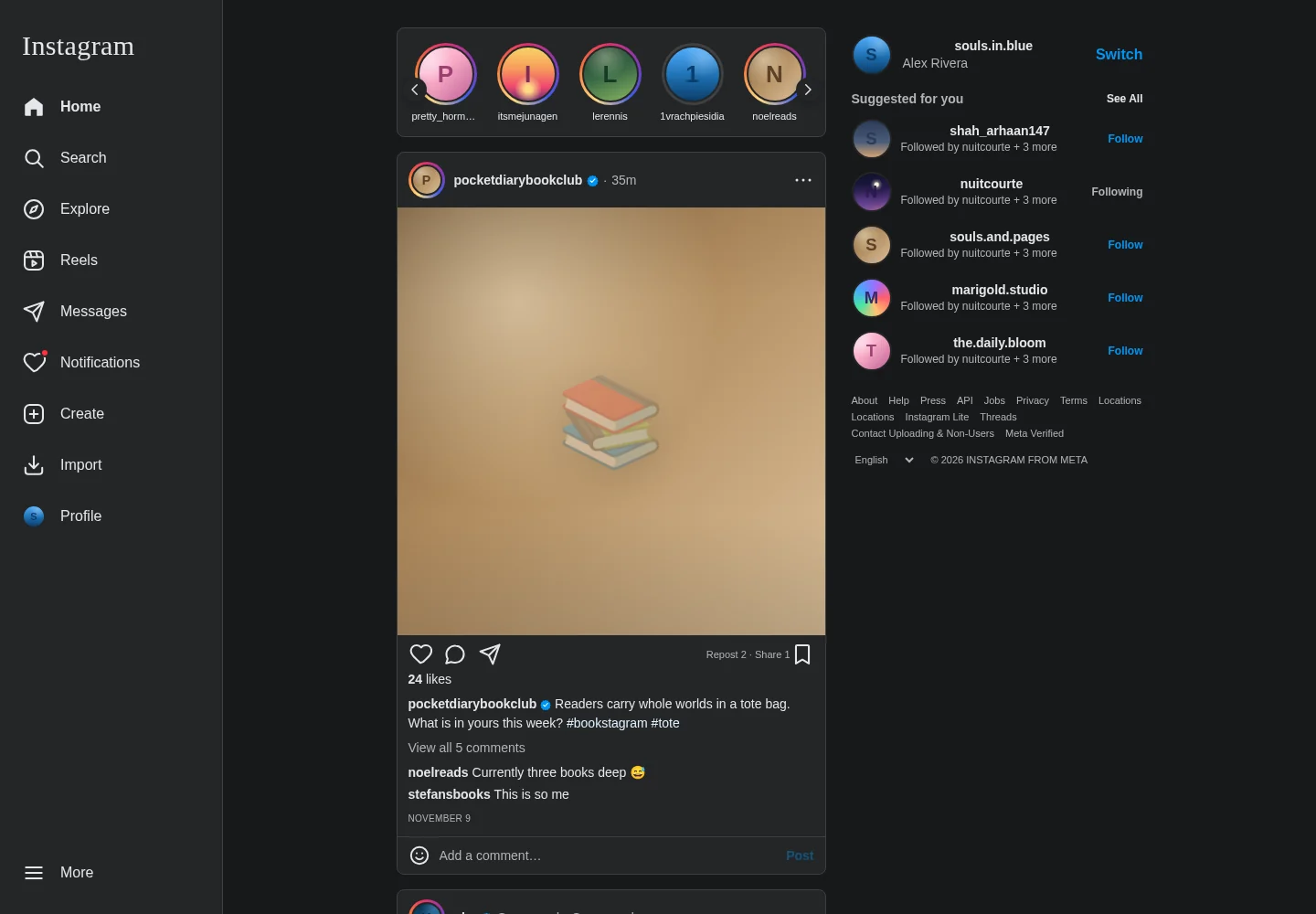
The frontend is not just a rough approximation. Its colors, typography, surfaces, dividers and shadows are built from design tokens captured from instagram.com, with matching light and dark palettes. It includes the home feed, stories tray, post detail dialog, Explore grid, Reels, profiles, search, notifications, messages and a create-post flow.
Importing Instagram exports
The distinguishing feature is the importer. The app can open one or several export folders or .zip, .tar, .tar.gz and .tgz archives containing post.json and a posts/ media folder. Several sources dropped or selected together are merged; duplicates are resolved explicitly and damaged sources become warnings rather than failing the whole import.
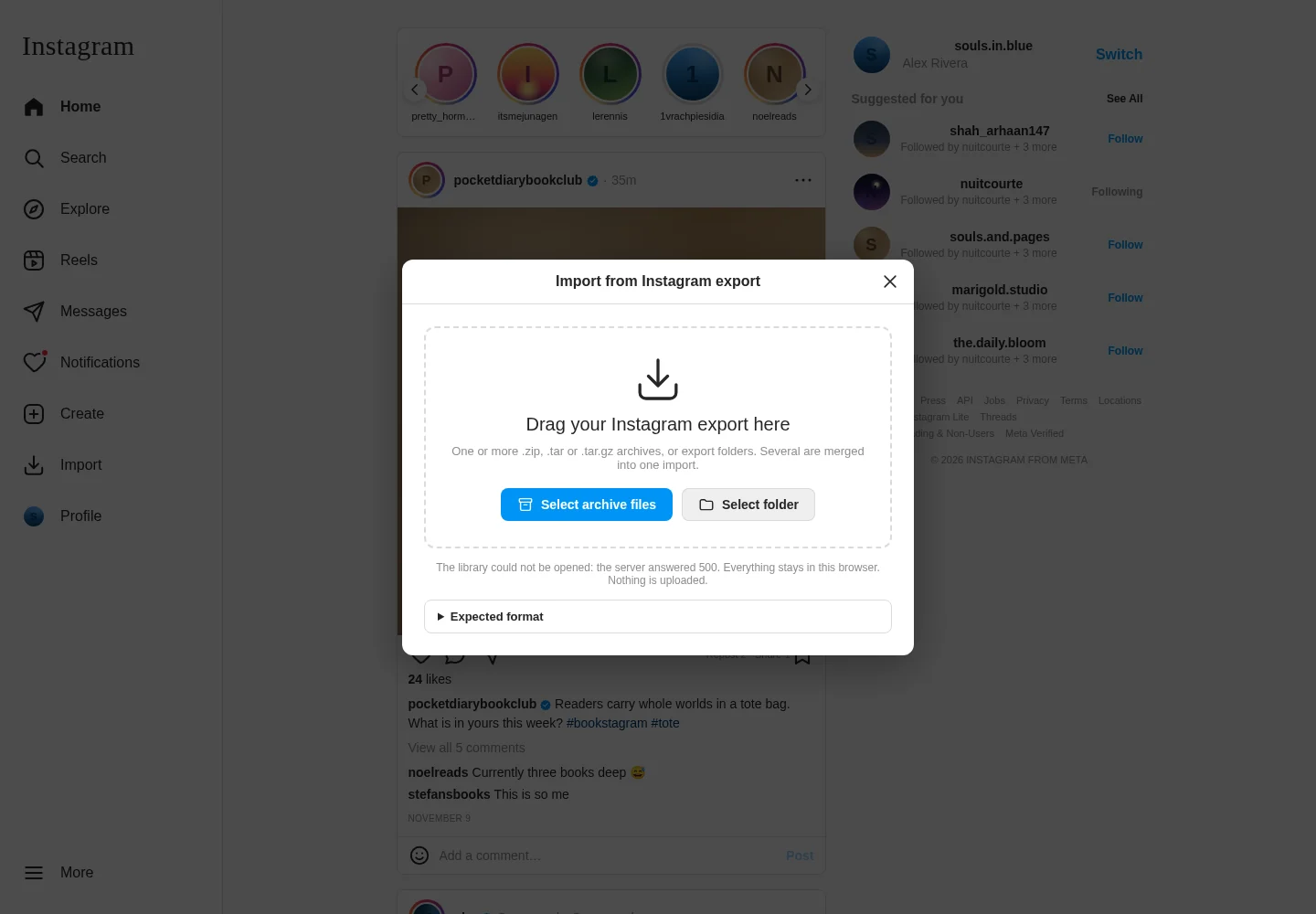
Imported posts keep their real photos, videos, captions, authors, counts, permalinks, carousels and timestamps. HEIC and HEIF images are converted in the browser. The backend can keep the merged result as a local library, so the imported feed survives reloads and can be shared by the web app and Windows viewer.
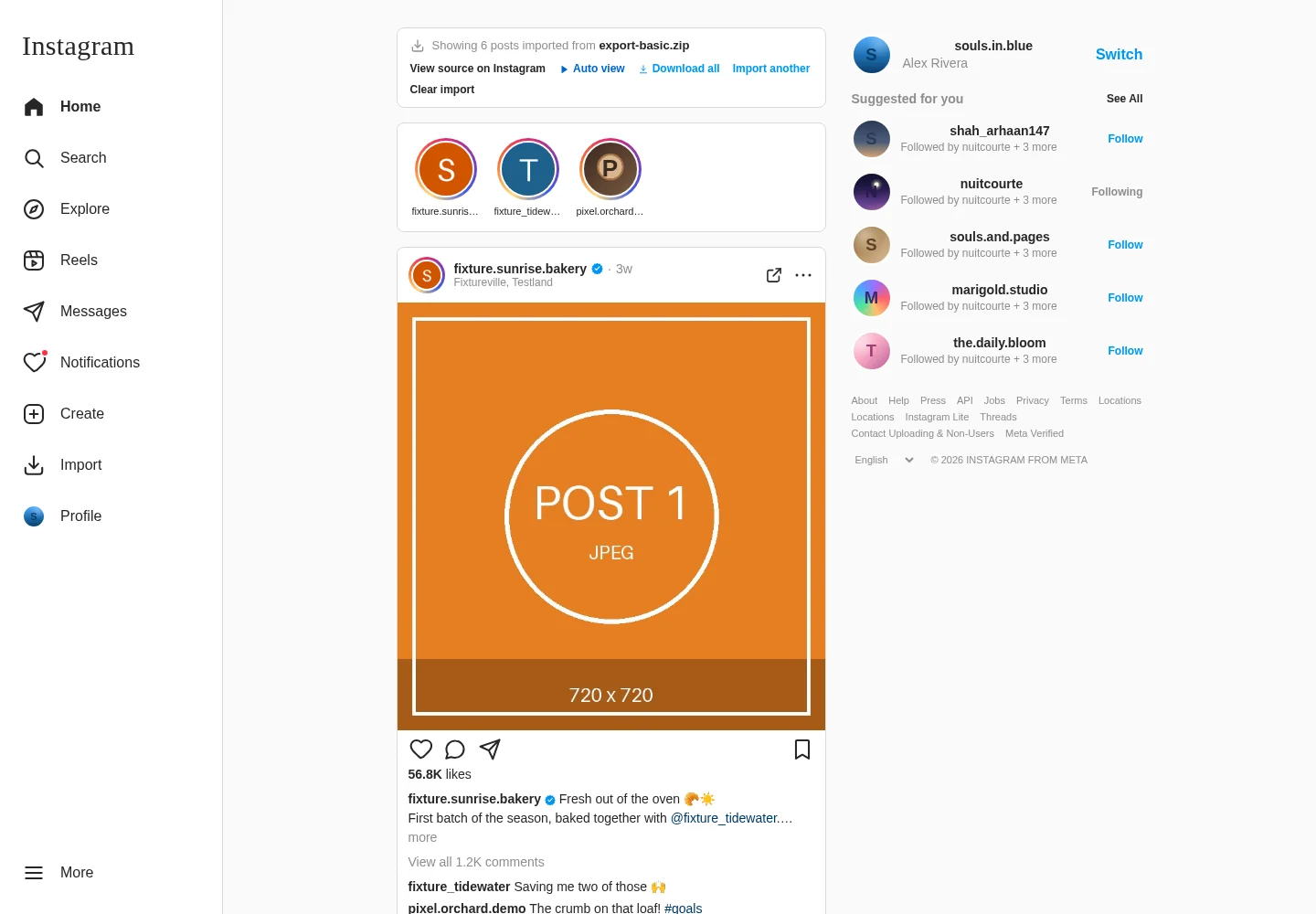
The screenshot above uses the committed test fixture, so its pictures are deliberately simple generated cards. A real export contains the original post media. Posts and authors also link back to their public Instagram URLs when the export provides them.
Browsing posts
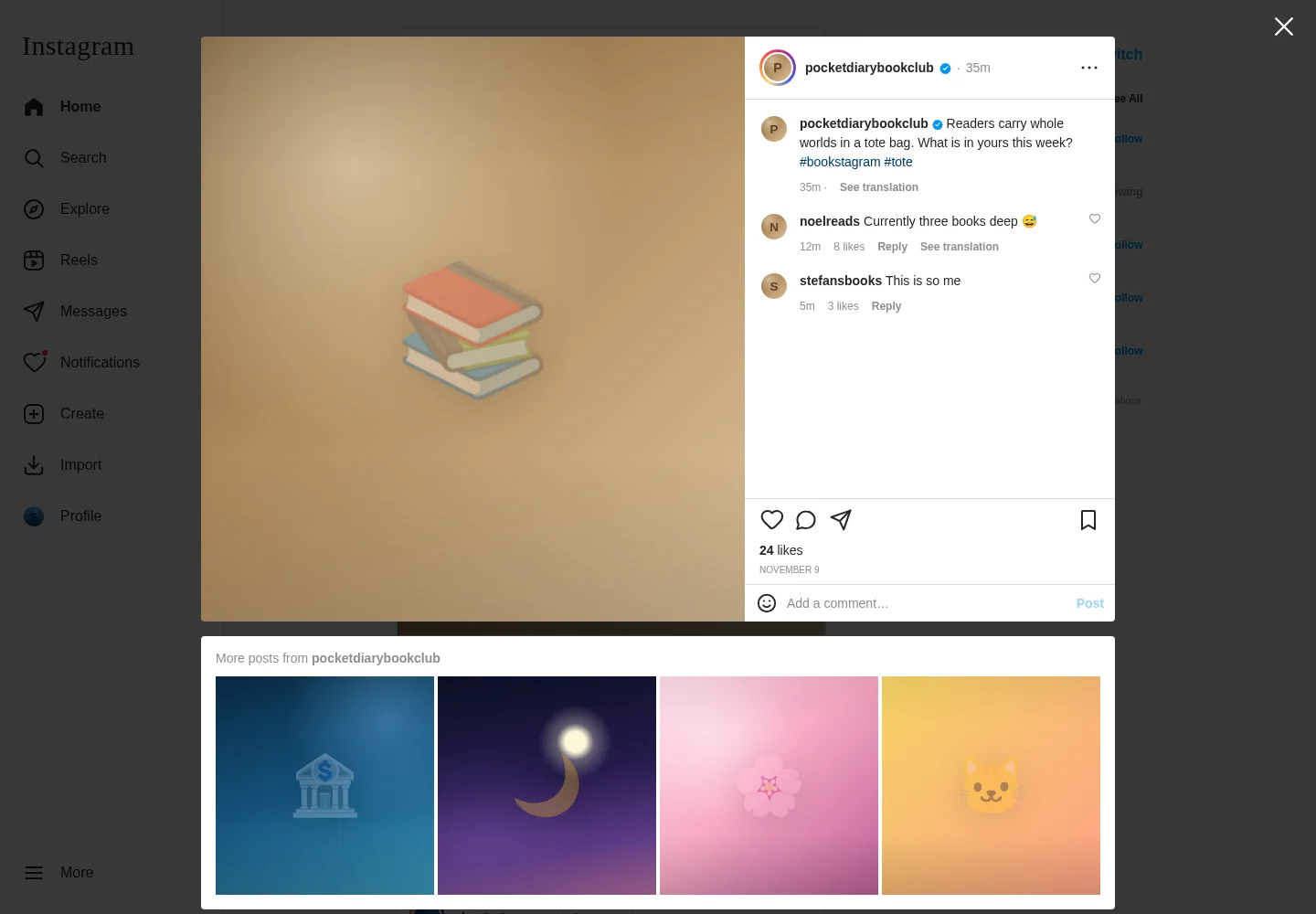
The post dialog uses the familiar two-column layout: media on the left, author, caption, comments and actions on the right, with more posts from the same account underneath. Carousels can be paged with controls or arrow keys. Likes, saves, comments and double-click-to-like behave as expected in the demo data.
Explore changes depending on the data being shown. Seed content appears as a decorative mosaic; imported posts become square tiles using their real images. Profiles show imported-account metadata and grids when the author is present in the export, while avoiding invented details for unknown accounts.
Auto view, themes and mobile layout
Auto view turns the current posts into a full-screen slideshow. It advances after a configurable interval, pauses for videos until they finish, supports keyboard and button navigation, and can be started from the import banner, a post menu or the More menu.
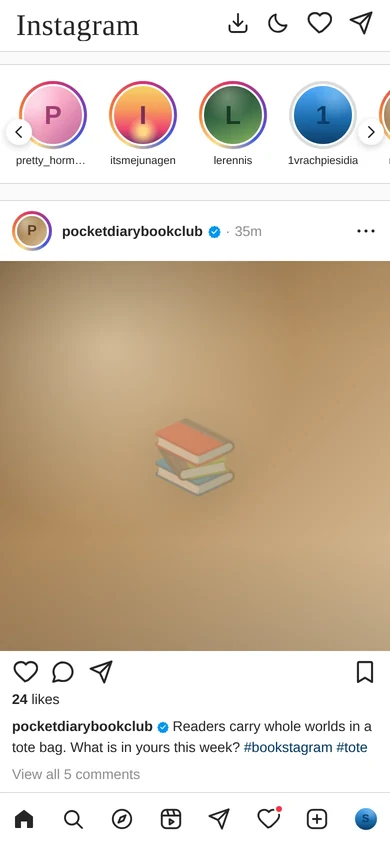
The appearance can be switched between light and dark mode and is remembered in browser storage. The layout also responds to narrow screens: the desktop sidebar becomes a mobile header and bottom navigation bar.
The native Windows viewer
The windows-app/ directory contains a native Windows image viewer written in Rust with eframe/egui and DirectX 12. It opens pictures, videos, folders and the same export archives, then presents them in the clone's look. Compared with the web app, it adds image-viewer controls such as zooming around the pointer, panning, fullscreen and moving through a folder with previous/next commands.
The Windows app can edit a picture's description without modifying the original file, download one post or everything as an instagram-export archive, and serve the open posts through the clone's browser pages. Release builds are intended to be portable: the web stack can be packaged as server.exe folders that do not require Python or Node.js, while the native viewer is a single executable.
Local-first behavior
Exports are parsed locally in the browser. Parsed posts and media are sent only to the clone's own backend when the library is enabled, not to a remote service. The backend uses SQLite for its small demo API and stores the media library in a local cache directory. The native viewer likewise works offline and writes only to its own data, cache and download locations.
This makes the project useful both as a UI reproduction and as a local browser for personal Instagram exports: the archive remains under your control, while the application supplies the familiar feed, grid, profile and slideshow interfaces.
How it is built
The frontend is React 18 with TypeScript and Vite. The backend is FastAPI and SQLite. End-to-end tests use Playwright and committed synthetic export fixtures; they cover imports, merged archives, damaged files, HEIC conversion, library behavior, videos, caption editing, downloads and auto view. The Windows viewer is a Rust workspace with its own tests and release packaging.
Trying it
-
Clone the repository.
-
On Linux or macOS, run:
./setup.sh
./run.sh
On Windows, use
setup.batandrun.batinstead. -
Open the printed frontend URL, normally
http://localhost:5173. -
Use Import in the sidebar and choose an Instagram export archive. To try it immediately, import
e2e/fixtures/export-basic.zipfrom the repository. -
On Windows with Rust and the Visual Studio C++ build tools installed,
run-app.batstarts the native viewer.
The project is already broad rather than a single demo page: web and native interfaces, import merging, media conversion, a persistent local library, downloads, dark mode, mobile layouts, portable Windows packaging and end-to-end coverage all live in the same repository.